![Image_20240521_115151.png]](https://help.shootsta.com/hs-fs/hubfs/Image_20240521_115151.png?height=37&name=Image_20240521_115151.png)
In Vimeo
-
Go to developer.vimeo.com in your web browser
-
Click the New App button in the top right
-
Fill out the form fields as per the screenshot below

-
Click the Create App button
-
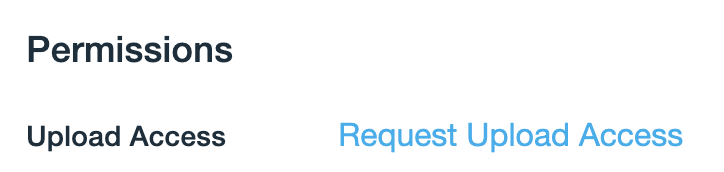
Scroll down and click Request Upload Access
-
Fill out the form, selecting No then My Account
⭐️⭐️ Wait for your upload access to be granted (can take up to 5 days)⭐️⭐️
-
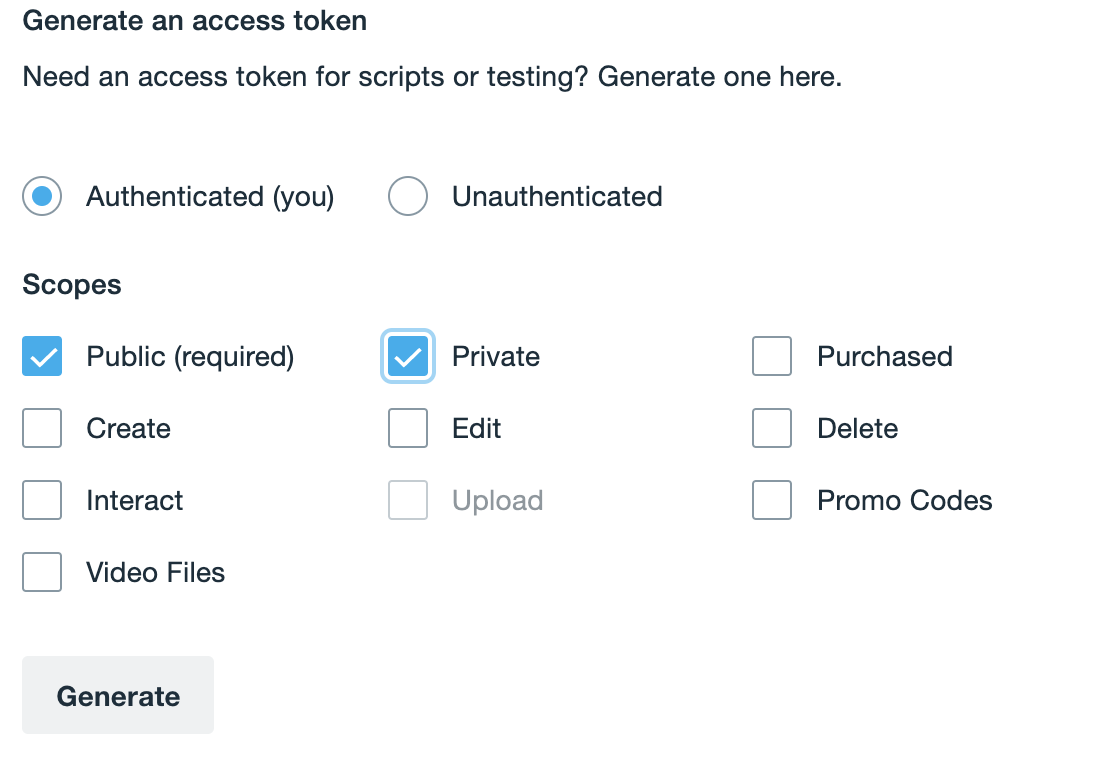
Generate a new access token, by selecting Authenticated (you) and ticking Private & Upload (Upload will not be available until access has been granted above, the screenshot below does not have upload access)
-
Click the Generate button
-
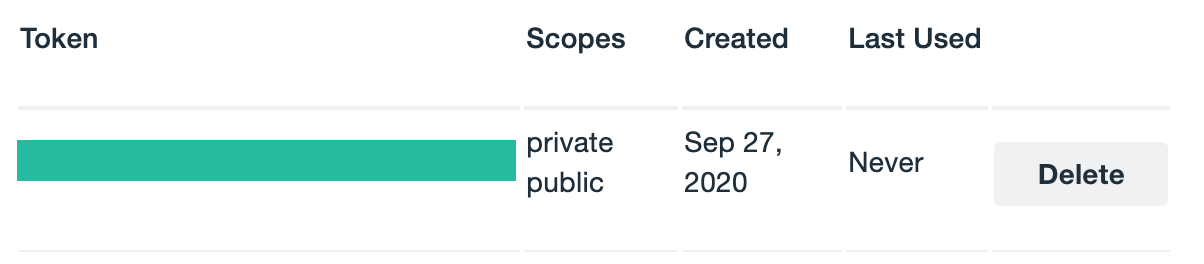
Your new access token will be added to the table below
-
Copy the access token (hidden behind the green block in the screenshot above)
-
Organisation ➡ Settings ➡ Share Integrations (Configure) ➡ Vimeo
-
Paste your copied token and click Save